TikTok Story Downloader

Download TikTok stories and photo slideshows without watermark in Full HD MP4. Fast, free, and 100% anonymous.

Fetching TikTok Story...

Extracting story media without watermark...

⚠️ Could not fetch TikTok story. Please verify the URL.
TikTok Story Preview
TikTok Story Author Avatar

TikTok Creator

@user

TikTok Story caption...

💡 Tip: If downloading opens in a new tab on Mobile or Safari, tap the Menu (⋮) icon on the media player and select Download / Save.
Unlimited Stories
Save as many TikTok stories as you need without any limits or daily caps.
100% Anonymous
Download stories secretly without letting the creator know you watched or saved it.
HD MP4 & Photos
Save video stories in HD MP4 resolution or download story photo slideshows.

Download TikTok stories online without watermark

SSStiks is the best free TikTok Story Downloader tool that helps you save TikTok story videos and photo slideshows without watermark online. Save TT stories in high resolution before they disappear after 24 hours.

How to download TikTok stories without watermark?

  1. Copy TikTok Story Link: Open the TikTok app, tap on the user's Story profile picture, tap the Share icon and select Copy Link.
  2. Paste Link to SSStiks: Open your browser, visit https://ssstiks.biz/download-tiktok-story and paste the link into the input field.
  3. Save Story Video: Click Download and select Download Story Without Watermark (HD) to save the story MP4 file directly to your phone or computer.
🕵️
Anonymous Downloader
Download stories completely secretly. Your username will never appear in the creator's story view list!
💰
100% Free Forever
Save unlimited TikTok stories for free with no subscription or hidden charges.
⚡
High Speed HD
Instant story extraction in original Full HD resolution without compression.
📸
Photo Slideshows
Supports both video stories and photo slideshow stories posted on TikTok.
🎵
Story MP3 Audio
Extract story background music and sound tracks into 320kbps MP3 audio files.
💻
All Devices
Works seamlessly across Android, iPhone (iOS), iPad, Windows PC, and Mac.
This is how you can use our TikTok story downloader:

Download TikTok stories on mobile phone (Android & iPhone)

To download a TikTok story on mobile, open the TikTok app, go to the active story, tap the Share button, and tap Copy link.

Open Safari or Chrome, visit SSStiks.biz/download-tiktok-story, paste the link into the box, and click Download to save the story MP4 without watermark.


SSSTiktok Download Stories HD - Save TikTok Story MP4 without watermark
TikTok Story Downloader for PC Guide

TikTok story downloader for PC (Windows & Mac)

Open TikTok.com in your web browser, navigate to the story, and copy the story URL from the address bar.

Go to SSStiks.biz/download-tiktok-story, paste the link into the downloader field, and click Download to save the HD story directly to your PC downloads folder.

TikTok Story MP3 Sound Extractor

Want to extract audio or songs from a TikTok story? SSStiks lets you convert TikTok story videos into MP3 sound tracks easily.

Paste the story URL, click Download, and select Download Story Sound (MP3) to save the 320kbps audio file.
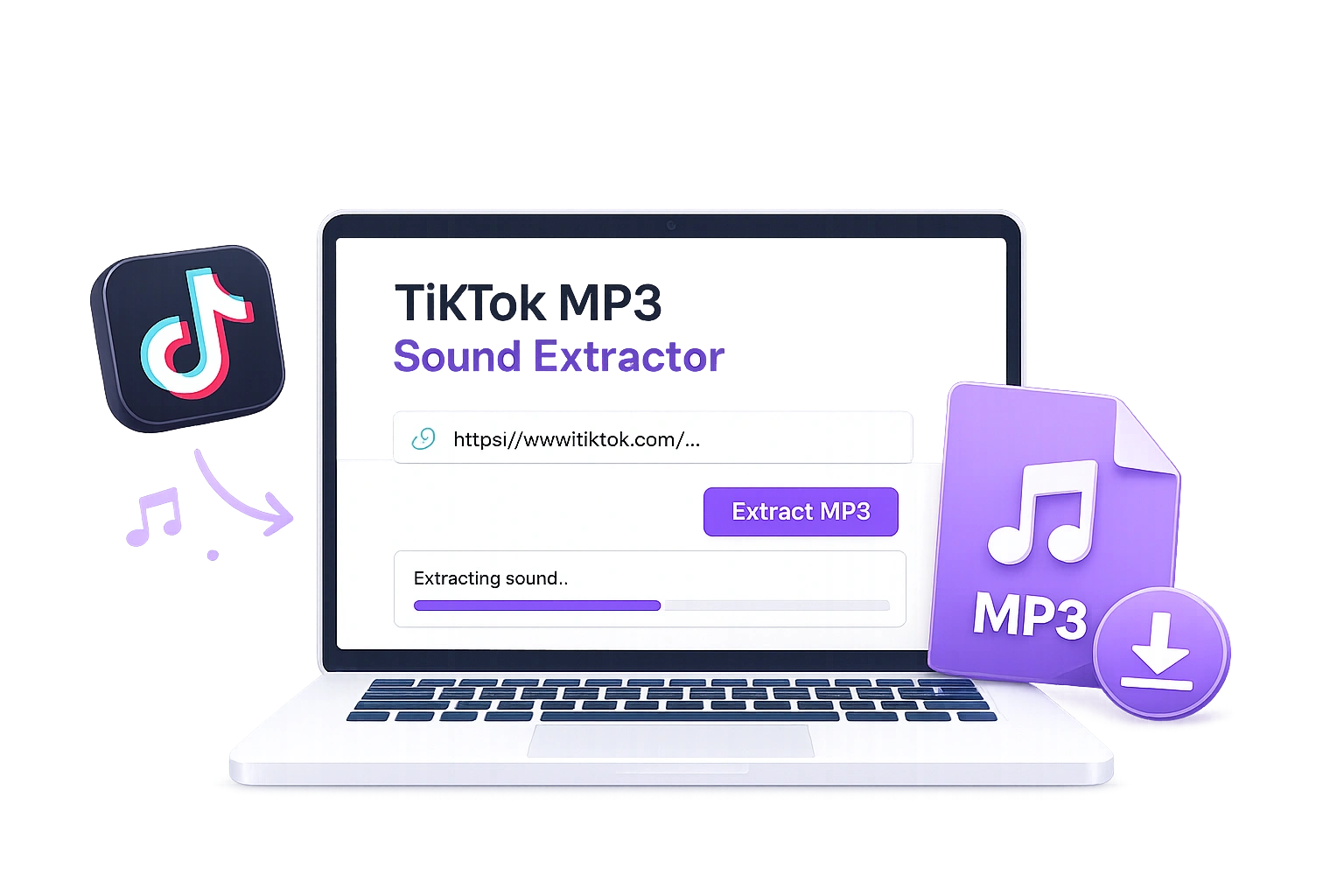
TikTok Story MP3 Sound Extractor

Frequently Asked Questions (FAQ)

Common questions about downloading TikTok stories without watermark.

Can I download TikTok stories without watermark? ▼
Yes! SSStiks allows you to download active TikTok stories without any watermark in HD MP4 format.
Will the owner know if I download their TikTok story? ▼
No. Downloading stories via SSStiks is 100% anonymous. The creator cannot see who downloaded or viewed their story through our service.
Can I download photo stories from TikTok? ▼
Yes, our tool supports both video stories and photo slideshow stories. You can save all images or video clips from the story.
How long do TikTok stories last? ▼
TikTok stories disappear after 24 hours. You must copy the link and download the story before it expires on TikTok. Once saved to your device, it remains yours forever.